Texas HOA website design & management

A better website for your HOA.
A clearer path for your homeowners.

Bring community information, association documents, calendars and management contacts together. Work directly with a Texas web designer who already builds and manages homeowners association websites.

Work directly with John Ortmann · Website service since 1998

Real work. Real Texas clients.

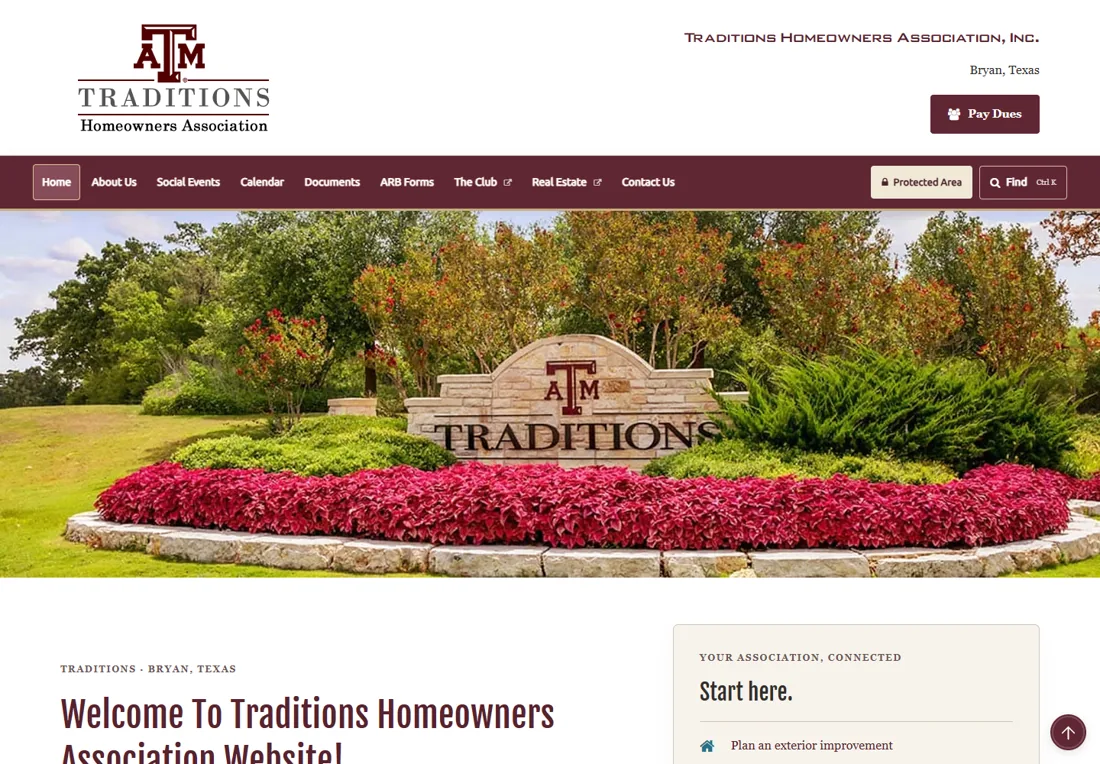
Traditions homeowners association website designed and managed by Victoria Web Design
Traditions HOA · Bryan, TexasA website we design and manage.

Focused locally in Texas

Built around the questions homeowners actually ask.

Where are the restrictions? How do I submit an architectural request? Who should I contact? A useful HOA website answers those questions without making a homeowner search through unrelated pages or an unfamiliar account system.

Victoria Web Design creates association websites with clear public information, organized documents and practical paths to the services your community already uses. We work with the board or management company on approved content and ongoing updates, while preserving the neighborhood’s own name, photographs and character.

Our experience in your field

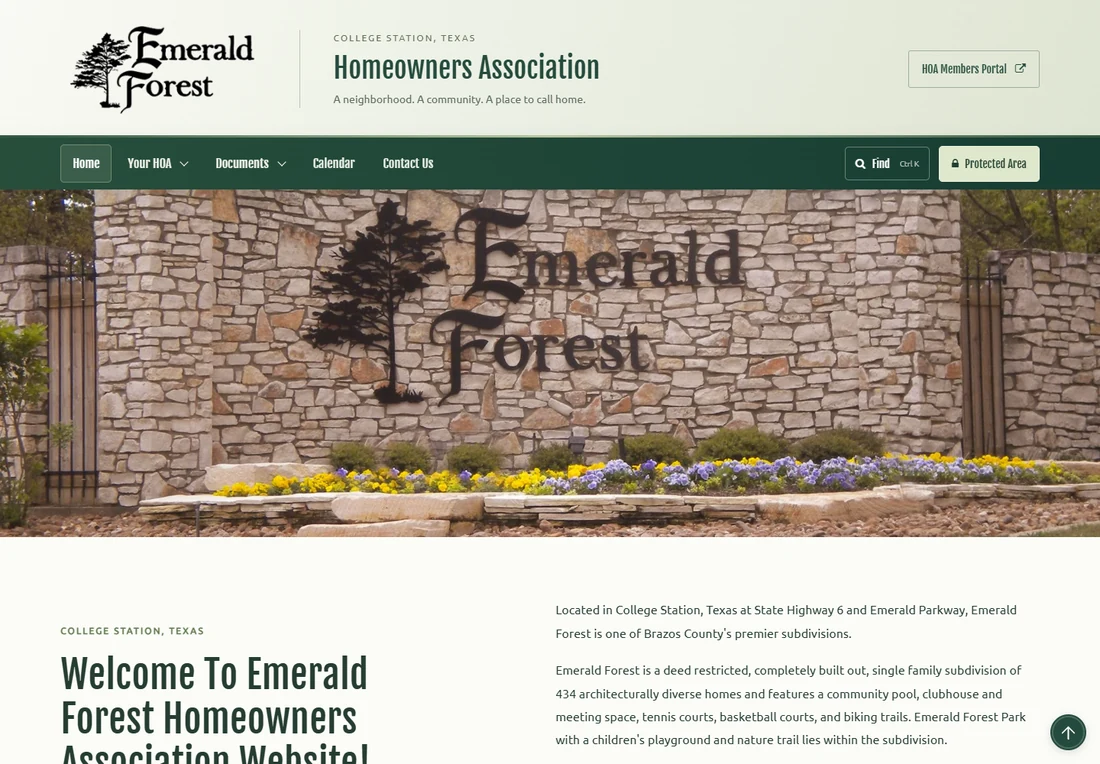
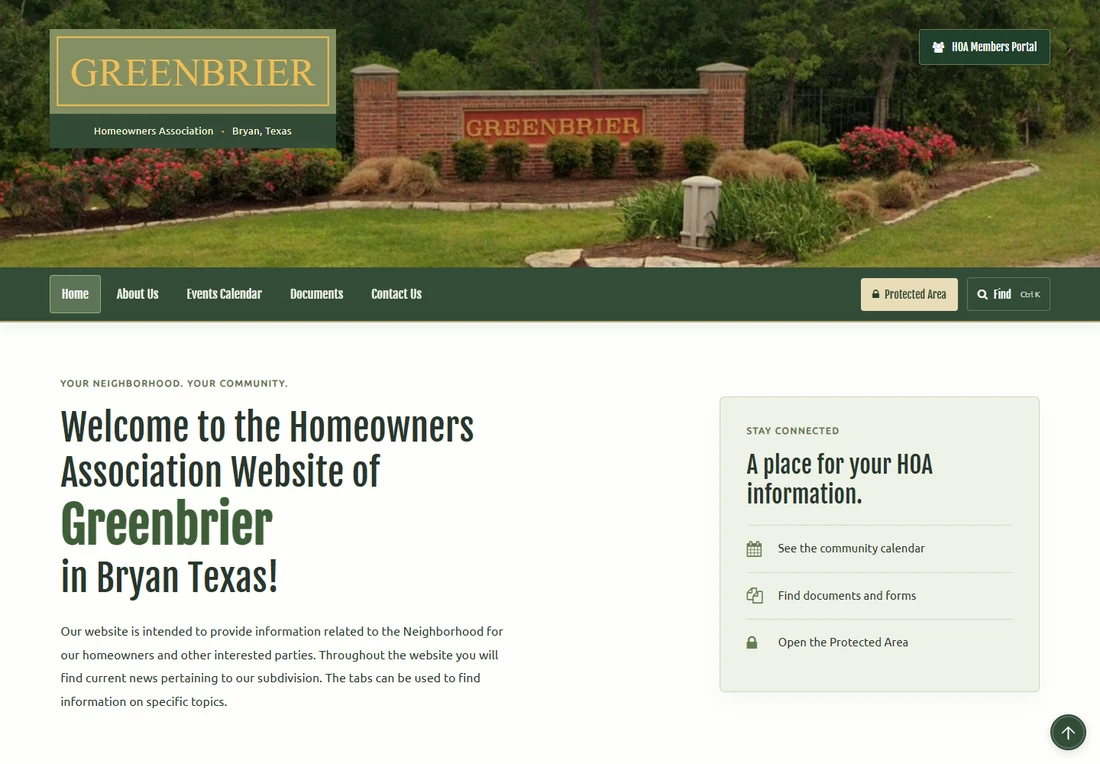
HOA websites we build and manage.

Explore actual client websites designed and managed by Victoria Web Design.

Practical features for your website

A community website that helps people find their way.

01

Homeowner task paths

Guide people toward common tasks such as finding governing documents, planning an exterior improvement or contacting management. Use clear choices that also work on a phone.

02

Organized association documents

Group bylaws, restrictions, policies, plats and forms under meaningful headings. Preserve the approved documents and make their titles, years and purpose easier to recognize.

03

Calendars & current announcements

Show the association’s existing public calendar, with links for adding or subscribing to it where available. Give board-approved notices a recognizable place on the website.

04

Optional protected information

Keep approved private material behind a sign-in when the association needs it. Protected PDFs can open in the browser after authentication, while the board determines which documents remain public.

05

Management & portal connections

Make approved management contacts easy to find and link clearly to the association’s existing resident or payment portal. A public website can complement the account system rather than asking residents to learn a second one.

06

Readable, searchable community pages

Use mobile layouts, descriptive links, keyboard-friendly controls and a Quick Finder for public resources. Review existing PDFs separately so document accessibility work can be included in the scope.

Website management after launch

A lasting resource through board and management changes.

An HOA website needs care after the initial build. Contact changes, new policies, newsletters and notices should follow an agreed approval and publishing process.

We discuss the public and protected content, existing management tools and who is authorized to request changes. That gives the association a practical plan for ongoing website management and a clearer handoff when responsibilities change.

Discuss your website needs
John Ortmann, founder of Victoria Web Design

Talk with John.A Texas company. A real person who stays involved.
Read my story and commitment

  1. 1. Review the association’s informationInventory existing pages, governing documents, calendars, forms and portal links.
  2. 2. Agree what is public and protectedWork from the board’s instructions and keep private content out of public search and navigation previews.
  3. 3. Keep an approved update routeIdentify who supplies approved material, who can request changes and the recurring publishing needs.

Before your next website

Homeowners associations: website questions.

01Do you already build and manage HOA websites in Texas?

Yes. Examples include Traditions, Emerald Forest, Greenbrier, Pecan Lakes Estates, The Crossing at Lick Creek and Waterford Heights. The links on this page let you explore actual association websites.

02Do homeowners need an account to read public information?

Public pages and documents can remain available without an account. If the association requests a protected area, only the material designated for that area requires sign-in.

03Can we keep our current resident or payment portal?

Yes. The website can link to the association’s existing resident and payment systems. We confirm the correct destinations with management and keep the route clear for homeowners.

04Can private HOA PDFs open in the browser?

Yes. A protected document can be delivered only after successful authentication and open in a new browser tab. The association decides which documents belong in the protected area and which should stay public.

05Can you help organize years of HOA documents?

Yes. We review the archive, preserve the approved records and group them by purpose and date. Existing links are reviewed as part of the transition, and useful PDFs are checked for web optimization.

06Can the board or management company send website updates?

Yes. We agree who may request changes and how approved notices, documents and other material are supplied. Recurring publishing frequency, responsibilities and fees are included in the agreed scope.

Your next website

Give your community a clearer place to start.

Tell John about your HOA, your current website and the documents, calendars or management connections you need.

Call JohnText JohnFree website quote

Find your next step.

Ctrl / ⌘ K to open · Escape to close